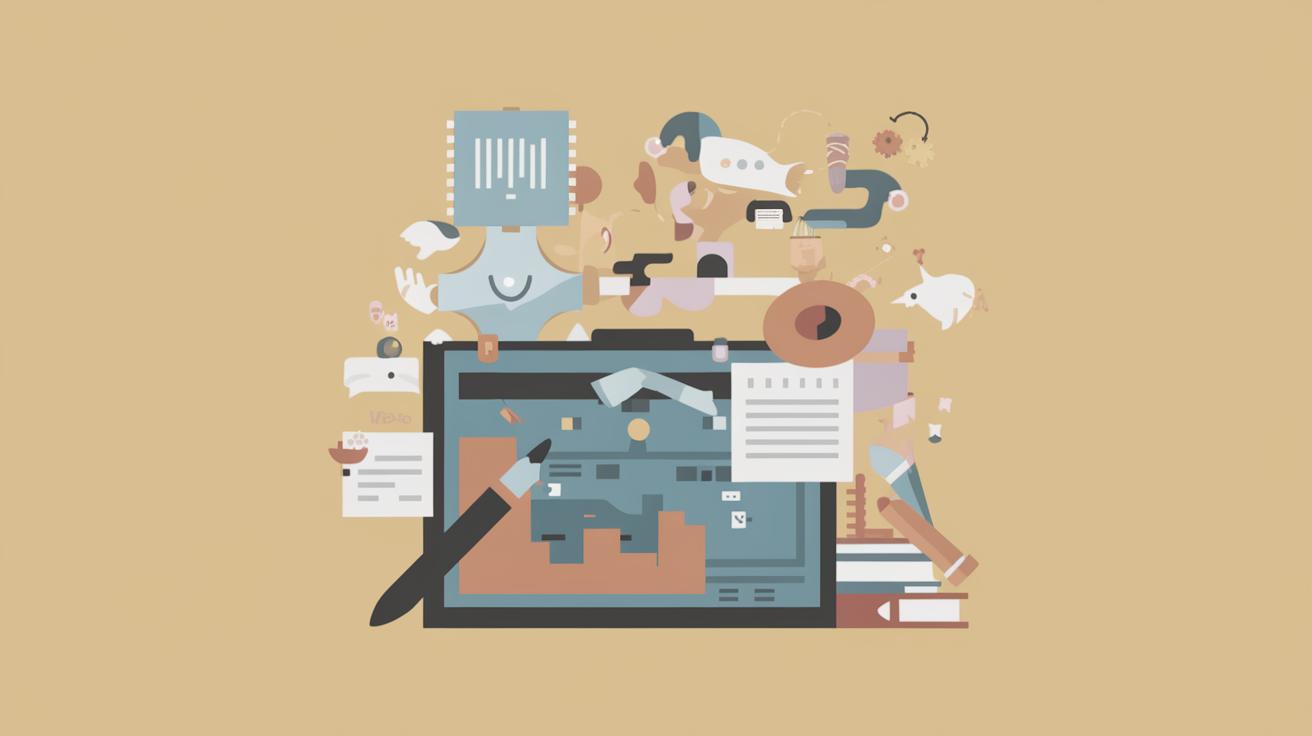
Creating a Mood Board for Design Inspiration
Mood boards are a powerful tool for visualizing and communicating design ideas. Whether you’re an interior designer, graphic artist, or just looking to redecorate a room, mood boards provide a canvas to compile images, textures, colors, and concepts into a cohesive vision. In this blog post, we will explore what mood boards are, why they’re vital for any design process, and dive into three popular methods for creating them: Pinterest, Adobe Illustrator, and Canva. We’ll also share tips on optimizing these tools for your interior design projects and provide practical advice on integrating natural elements into your designs. Join us as we navigate the colorful world of mood boards and enhance your creative process.
What is a mood board and why is it important?
What is a mood board and why is it important?
A mood board is a visual collage or collection of ideas, concepts, and inspiration typically used in creative projects. It can contain images, color samples, textures, typography, and other design elements that convey a specific mood or theme. Mood boards are essential in the design process as they help to clarify and communicate visions and ideas to clients, collaborators, or team members.
Beyond their communicative role, mood boards serve as a source of inspiration. They encourage experimentation and the exploration of different styles and trends. By organizing these elements, designers can define a clear aesthetic direction and identify patterns that will shape the project. Ultimately, mood boards are pivotal in ensuring consistency and coherence throughout the design process.
Mood board method #1 – Pinterest
Mood board method #1 – Pinterest
Pinterest is a popular platform for creating digital mood boards due to its vast library of images and easy-to-use interface. It allows users to search, save, and organize images into categorized boards. Pinterest is especially favored for its accessibility and the ability to draw inspiration from a global pool of ideas and creatives.
While using Pinterest, it’s important to refine your board by selecting images that closely align with your project’s theme. This will help maintain focus and ensure that your design vision remains on track. You can mix different styles, textures, and hues to create a rich visual tapestry that embodies your design intentions.
Interior design mood board elements
Mood boards for interior design projects often include various elements such as color swatches, fabric textures, types of furniture, and accessories. Including a variety of elements helps in visualizing the overall look and feel of a space. These boards can be theme-based or cater to specific rooms or styles.
Selecting the right elements is crucial. Think about the ambiance you want to create in the space. Is it cozy and warm, or minimalist and elegant? Your mood board should represent the emotions you want to evoke when someone steps into that room. Balancing between different elements ensures a harmonious design.
Pinterest vs. graphic design software mood boards
While Pinterest offers convenience and an infinite well of inspiration, graphic design software provides greater flexibility and control. In software like Adobe Illustrator or Canva, you can play with image layouts, overlay text, or adjust dimensions to suit your project’s needs.
The choice between Pinterest and graphic design software largely depends on the purpose and audience of your mood board. If you need a quick draft to share an idea, Pinterest is an excellent choice. However, for more polished and detailed presentations, using graphic design software could better suit your needs.
How to make your Pinterest board digitally portable
Transforming a Pinterest mood board into a digitally portable format involves exporting your curated images. One straightforward method is to take screenshots of your board. Alternatively, you can save the individual images and compile them into a PDF using tools like Adobe Acrobat or other PDF creators.
Making your Pinterest board portable ensures you can share or present your ideas even when offline, and it allows for easy cross-platform communication with clients or team members. Just ensure you credit any images or sources when sharing your mood board professionally.
Mood board method #2 – Adobe Illustrator
Mood board method #2 – Adobe Illustrator
Adobe Illustrator is an industry-standard vector graphics editor that provides robust tools for creating detailed and professional mood boards. Its rich feature set includes artboards for layout sampling, custom fonts, and effects that can bring your design ideas to life.
Illustrator’s advantage lies in its precision and versatility. You can layer images, apply vector shapes, and experiment with color palettes right in the program. This method is ideal for design professionals who require advanced editing capabilities and integration with other Adobe Creative Cloud applications.
Adobe Illustrator Mood Board
Creating a mood board in Adobe Illustrator starts with setting up a canvas size that fits the project’s scope. Designers typically organize digital swatches, motifs, and elements on separate layers for easy manipulation and iteration.
Illustrator supports various file formats, enabling you to import images, vector icons, and textures directly into your workspace. This capability, combined with Illustrator’s design tools, allows you to craft both basic layout concepts and detailed visual compositions as part of your mood board.
Basic steps for Adobe Illustrator mood board
Start by opening a new document in Adobe Illustrator and selecting your desired artboard size. Gather your design elements – photos, illustrations, color palettes – and save them with easy access. It’s helpful to organize these resources in folders on your computer for an efficient workflow.
Once you have your materials, place them onto your artboard, arranging them in a manner that feels cohesive. Use the layers feature to keep each element of your mood board manageable, adjust transparencies, and apply effects to harmonize the overall aesthetic. Remember, continuously revisit your design to ensure it aligns with your vision.
Mood board method #3 – Canva
Mood board method #3 – Canva
Canva is a user-friendly, web-based design platform notable for its drag-and-drop functionality, which is perfect for beginner designers and non-designers looking to create mood boards with ease. Canva offers a variety of templates, customizable design elements, and a vast library of stock images.
It’s free to start, with premium options available for additional features. Canva allows designers to create beautifully styled mood boards without tackling the steep learning curve associated with more complex design software. It becomes an invaluable asset for both quick reflections of ideas and more deliberate designs.
Creating a Canva mood board
To create a mood board in Canva, begin by selecting a template that resonates with your design project. Next, upload your images or select from Canva’s extensive library, inserting them into your mood board layout. Customize the design by resizing images, changing colors, and applying text overlays if needed.
Canva’s collaborative nature allows for real-time feedback from clients or team members through shared links, making it ideal for remote projects or teams. The platform’s export features further enable easy sharing and integration into presentations or other digital mediums.
Capturing images
When using Canva, capturing the right images is crucial. Utilize high-quality photos that accurately depict the mood you aim to achieve in your design project. Whether sourcing images from Canva’s library or uploading your own, the goal is to select visuals that reflect the desired atmosphere and vibe.
Consistency in image resolution and style is vital for a polished look. Consider the interplay between different photos and how they cohesively blend to narrate your design story. A harmonious selection of images helps consolidate your board’s intended message and promotes clarity for viewers.
Final tips for your interior design mood board
Interior design mood board final tips
Refining your interior design mood board involves continuous review and adjustments. Regularly update your board as the project evolves and make changes to reflect new inspirations or project shifts. Be open to experimentation but maintain a core theme for coherence and effectiveness.
It’s also beneficial to obtain feedback from peers or collaborators. Fresh eyes can offer valuable perspectives and highlight inconsistencies that you might overlook. Ultimately, a well-crafted mood board streamlines the design process, providing a clear roadmap from inspiration to implementation.
How to design a room (a home decorating step by step guide)
Designing a room begins with a vision, often manifested in your mood board. Start by defining the purpose and functionality of the space, then translate your mood board’s elements into physical reality, considering furniture layout, color schemes, and décor accents.
Consider lighting, both natural and artificial, as a key component in affecting the room’s atmosphere. Incorporate textures and accessories to add depth, balance, and comfort to the design. Follow your mood board’s cues to ensure harmony and consistency throughout your home.
How to choose paint color (while maintaining your sanity)
Choosing paint colors can be an overwhelming task, but your mood board serves as a guide in narrowing down options. Focus on colors that complement your chosen elements and reflect the mood you want the space to evoke.
Test paint samples on your walls and observe how they change in different lighting conditions. This practical approach prevents costly mistakes and ensures that the final choice aligns precisely with your aesthetic vision. Remember, the right paint color acts as a backdrop, enhancing the overall design.
How To Bring The Outside Inside [Natural Interior Styling In 6 Simple Steps]
Integrating natural elements into interior design brings warmth and organic beauty. Start by using natural materials like wood, stone, or bamboo to create an inviting, earthy backdrop. Incorporate plants and greenery for freshness and vitality.
Utilize natural light whenever possible, opening up spaces and enhancing the connection to the outdoors. Opt for color palettes inspired by nature, such as earthy tones and soft greens, reinforcing tranquility. Finally, choose accessories with textures reminiscent of the natural world, ensuring your design evokes serenity and inspiration.
Lessons Learned
| Aspect | Details |
|---|---|
| Mood Boards Basics | Visual collages that collect design inspirations and ideas to enhance clarity and communication within projects. |
| A versatile platform for curating mood boards with global inspiration, great for quick ideas and wider image access. | |
| Adobe Illustrator | Offers advanced design capabilities and precision for detailed and professional mood boards requiring higher customization. |
| Canva | Provides user-friendly, drag-and-drop features for creating accessible mood boards, perfect for beginners. |
| Interior Design Tips | Use mood boards to guide room design, color choice, and natural element integration for cohesive, inspired spaces. |